Never forget where you parked.
When your phone disconnects from the car’s Bluetooth, BlueDrop saves the spot. You don’t tap anything, and the app doesn’t even need to be open.
Free, no ads, no account. Android 8.0 or later.
How it works
The car’s Bluetooth disconnecting is the most reliable sign that you just parked. BlueDrop listens for it.
- 1
Park and switch off
The car stereo or hands-free kit drops the Bluetooth connection with your phone.
- 2
The spot is saved
BlueDrop records the GPS position and street address, then sends you a notification.
- 3
Walk back
Open the app or the widget and get walking directions to the car.
Inside the app
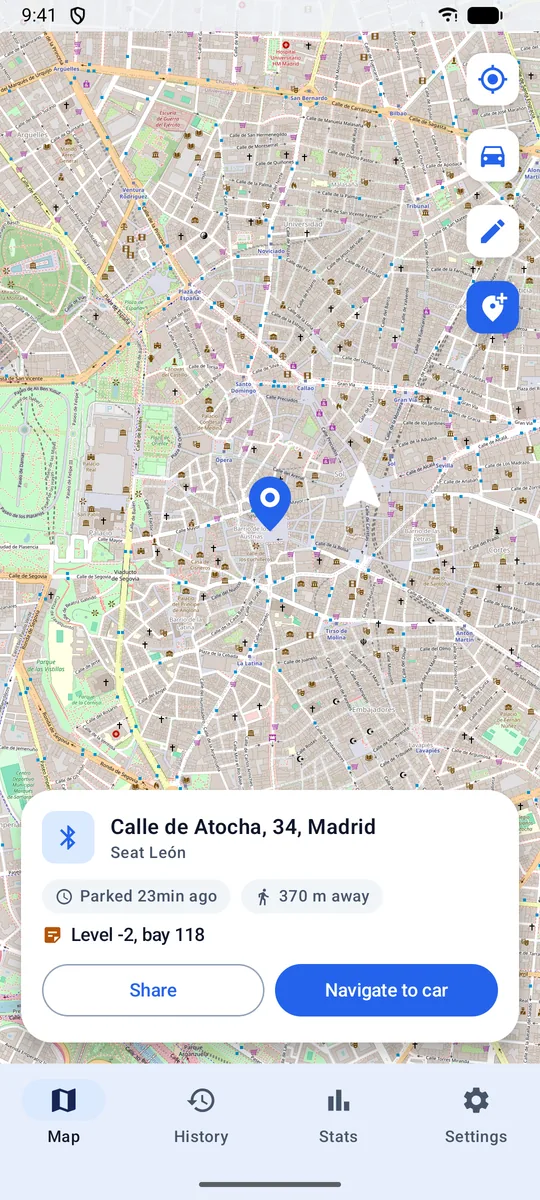
Your car on the map, how long ago you parked and how far away it is. 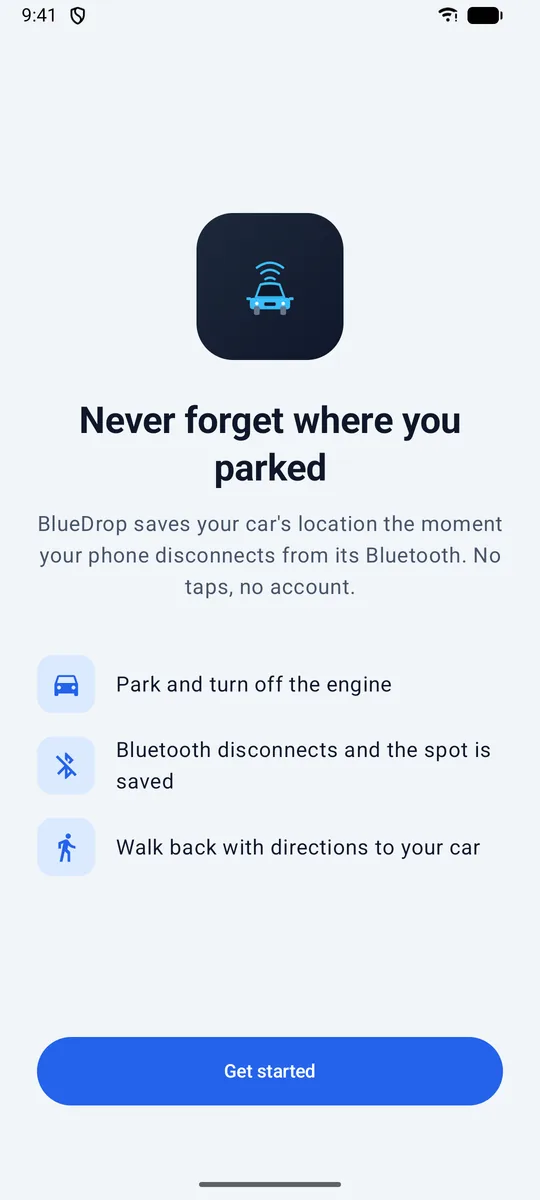
A one-minute setup that explains every permission. 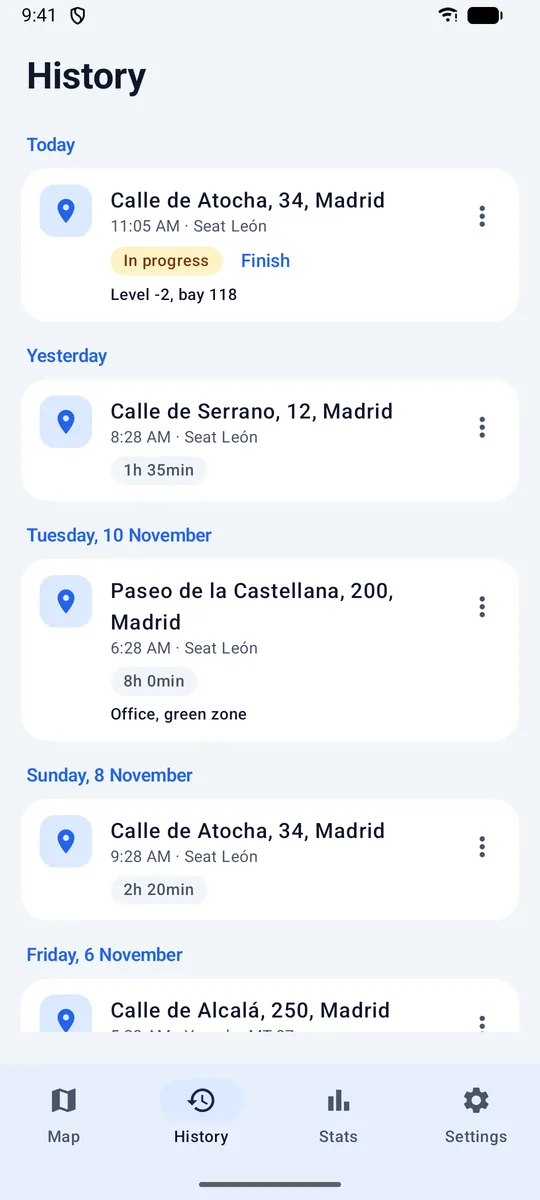
Every spot grouped by day, with notes, photos and time parked. 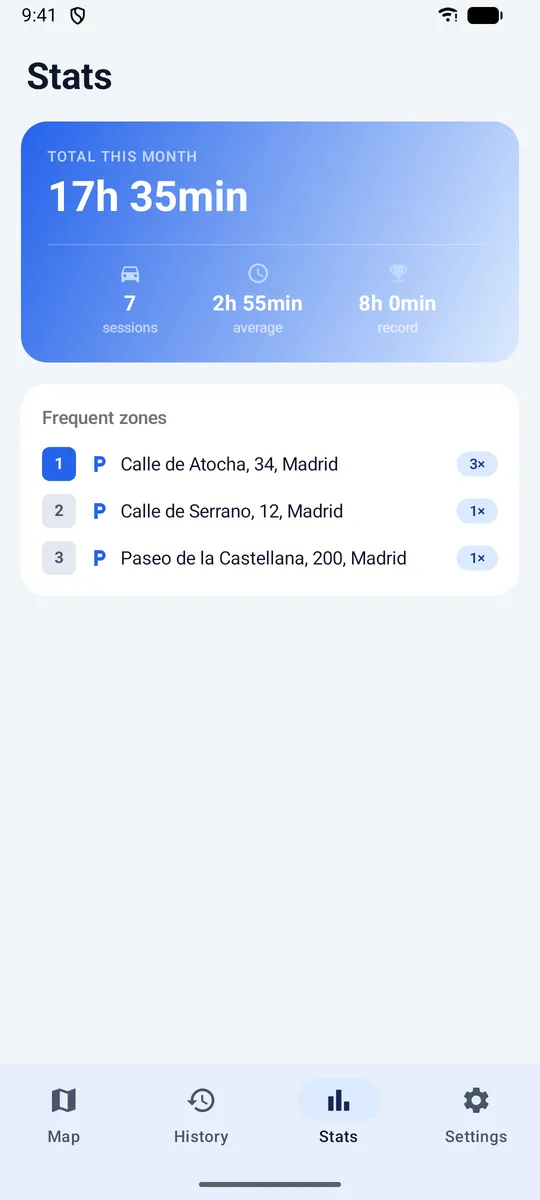
Time parked this month and the places you use most. 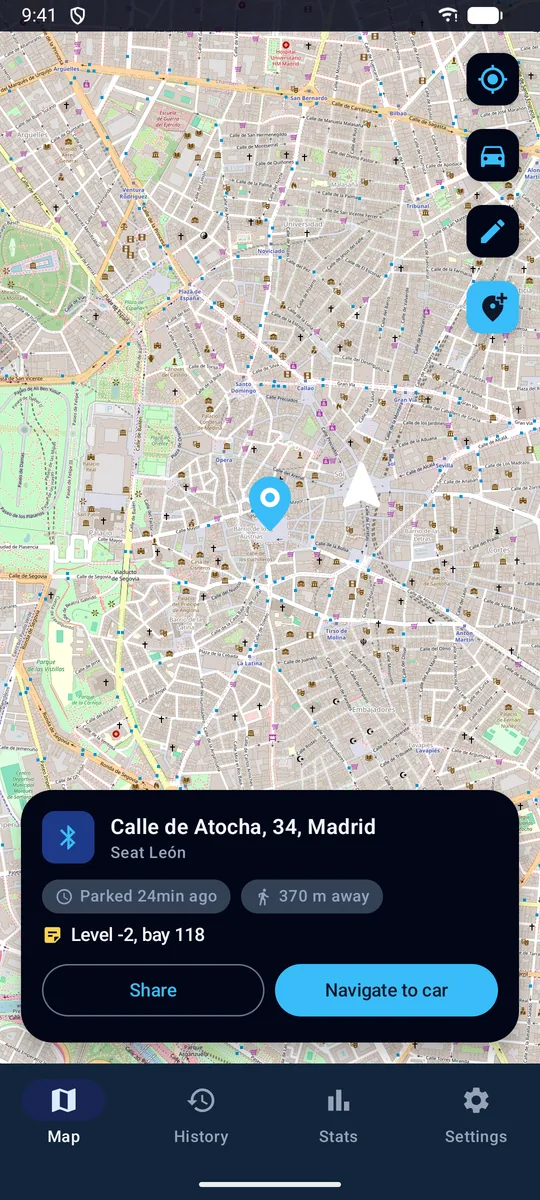
Dark theme, following your phone or set by hand.
What it does
Automatic
Pick the car’s Bluetooth once. From then on every disconnect saves a spot, even with the screen off.
I parked here
Car without Bluetooth, or a friend’s car? Save your current spot with one tap.
Notes and photos
Write “Level -2, bay 118” or take a photo of the pillar so the garage isn’t a maze.
Time parked
When you reconnect, BlueDrop closes the session and tells you how long the car was there.
Several vehicles
Car, van, motorbike: monitor as many Bluetooth devices as you like.
Home-screen widget
See the last spot and start navigation without opening the app.
Your parking history stays on your phone
BlueDrop has no servers and no accounts. There’s no advertising or analytics code. Records, notes and photos are stored only on the device.
To be precise about the network: the map tiles come from OpenStreetMap, and the street address is looked up with Android’s geocoding service, which on most phones is run by Google.
Read the privacy policyQuestions
Does it drain the battery?
No. BlueDrop doesn’t track you while you drive. It wakes up only when the Bluetooth disconnects, takes one position and goes back to sleep.
It didn’t save my last spot. Why?
Some phones (Xiaomi, Samsung, Huawei…) stop background apps to save battery. In Settings → Battery usage, set BlueDrop to “Unrestricted”.
My car has no Bluetooth.
Use the “I parked here” button on the map. It saves your current location as a parking spot.
Does it work without internet?
The position is saved without a connection. The map and the street name load when you’re back online.
Is there an iPhone version?
Not for now. BlueDrop is Android only.
Park, walk away, find it again.
BlueDrop is free on Google Play.